Start from an idea
Open anything from your Idea Hub, or just say what you want to post about. The carousel comes from a real post, not from a blank template.
LAUNCH50.
Join the waitlist and hear first WordPush version two is live.
Half price for three months with LAUNCH50, until 1 October.
Start free Version two lands 14 September Half price, 3 months · LAUNCH50 Version two is live Half price · LAUNCH50 

A LinkedIn carousel is a multi-slide document post people swipe through in the feed, and it is normally the slowest format to make by hand. In WordPush you ask for one in the conversation and it builds the slides on your fonts and colours, then posts it natively.
No card needed. Free for 7 days.
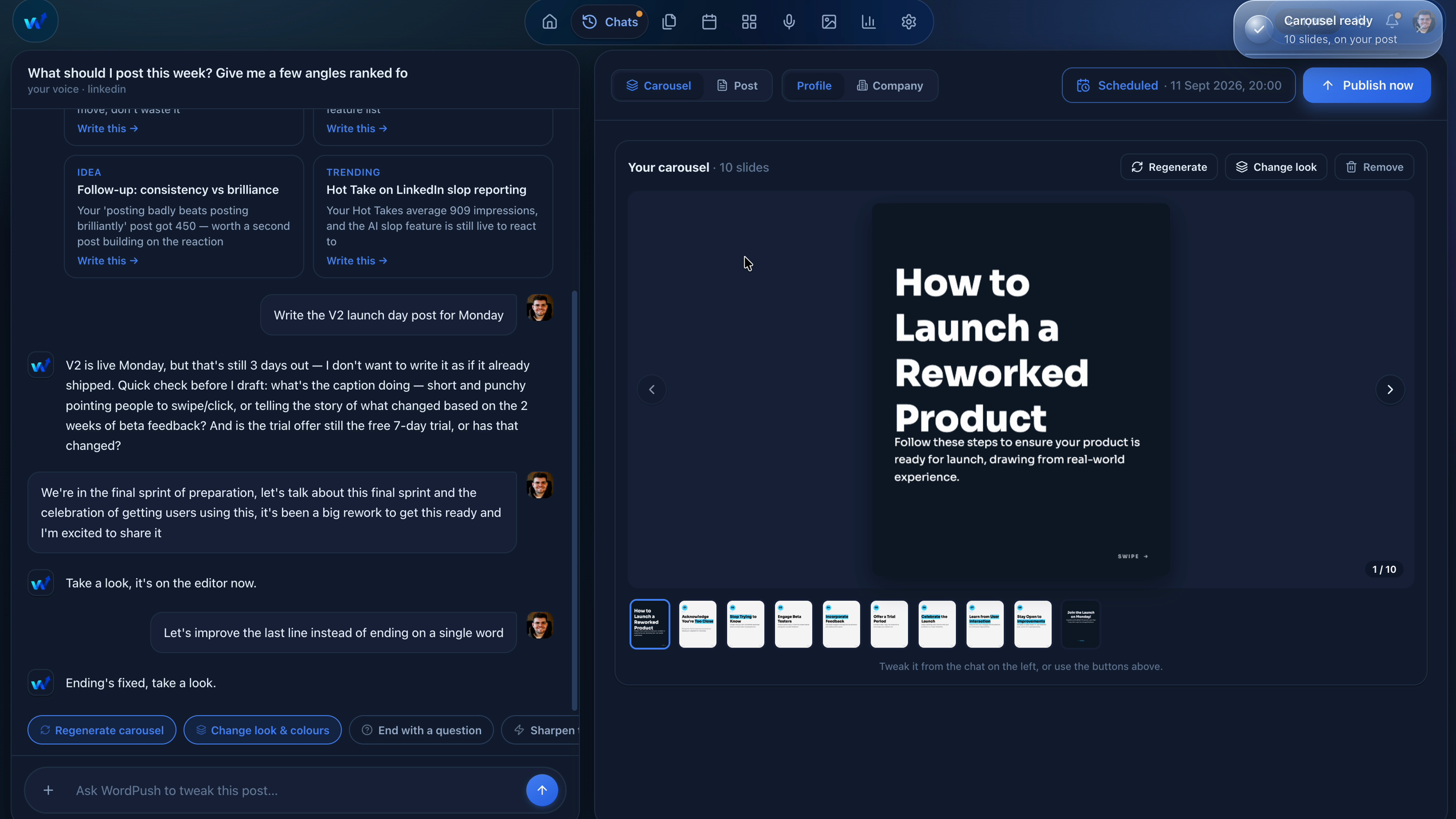
The post and the carousel come from the same place. You write the post by talking, then ask for slides, and the deck is built from what the post actually says rather than from a template you have to fill in.
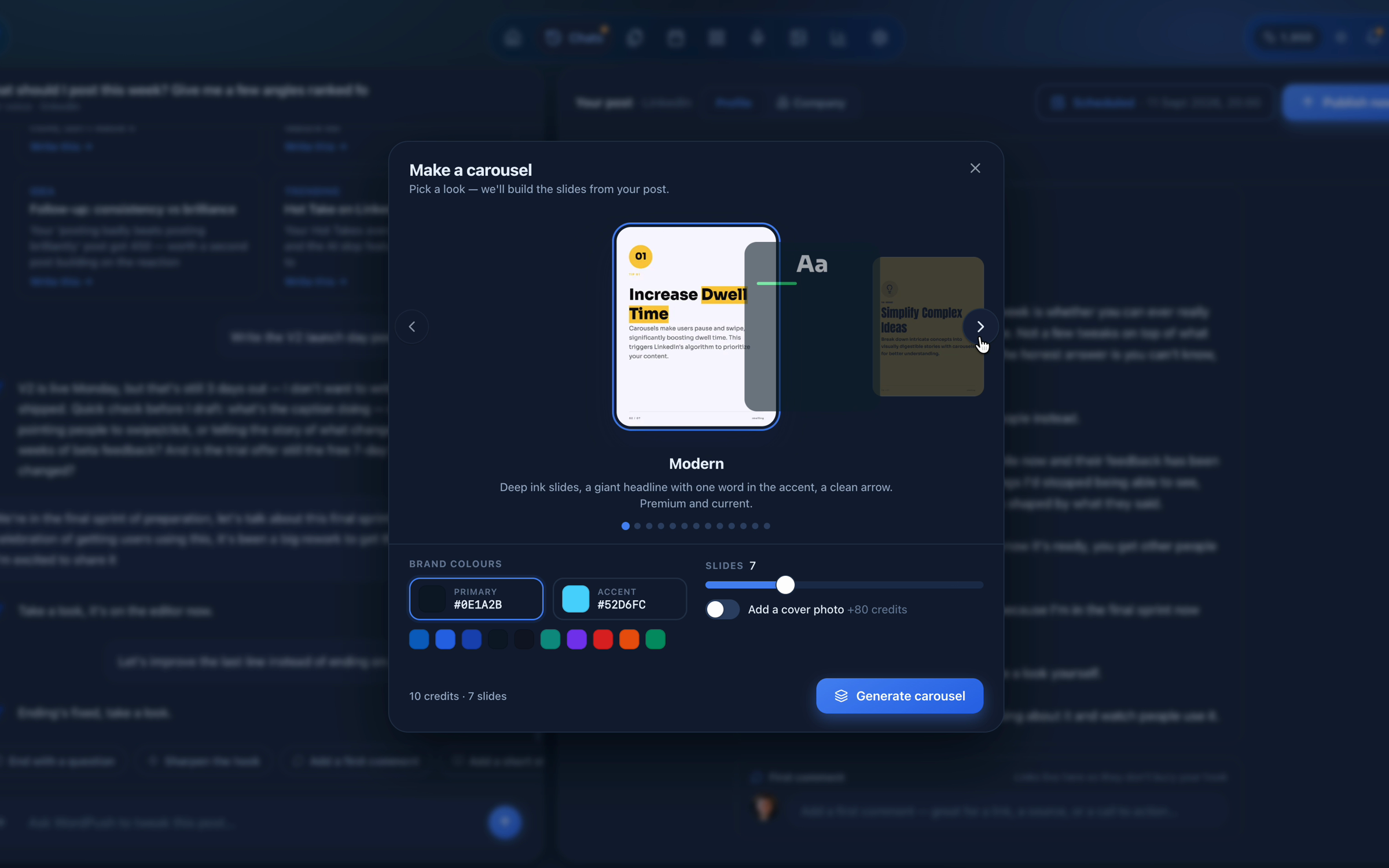
Bold statements, data drops, myth-busters, checklists, photo covers and more. The style is matched to the idea and every slide is designed in your brand.
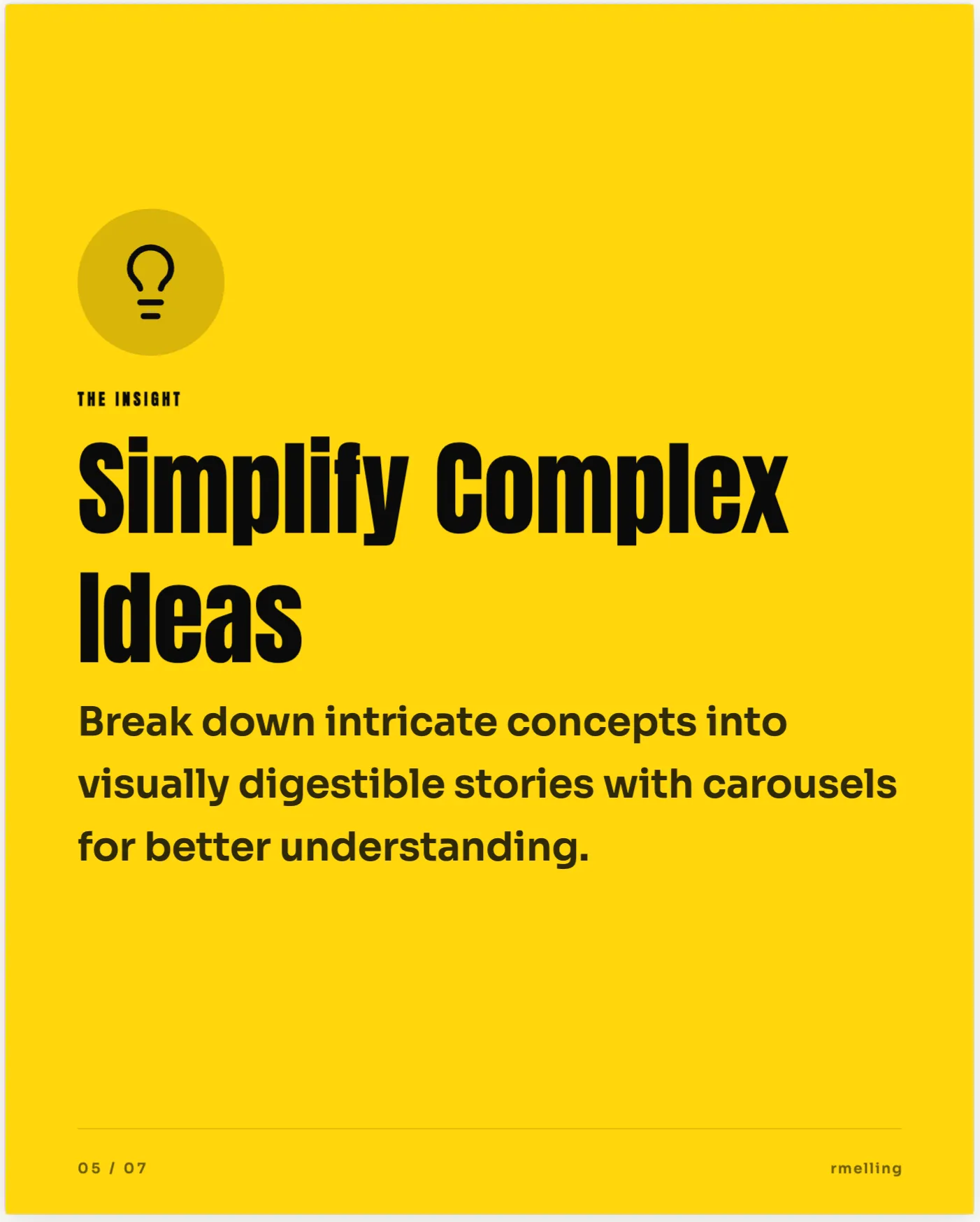
Bold Statement

Photo Cover
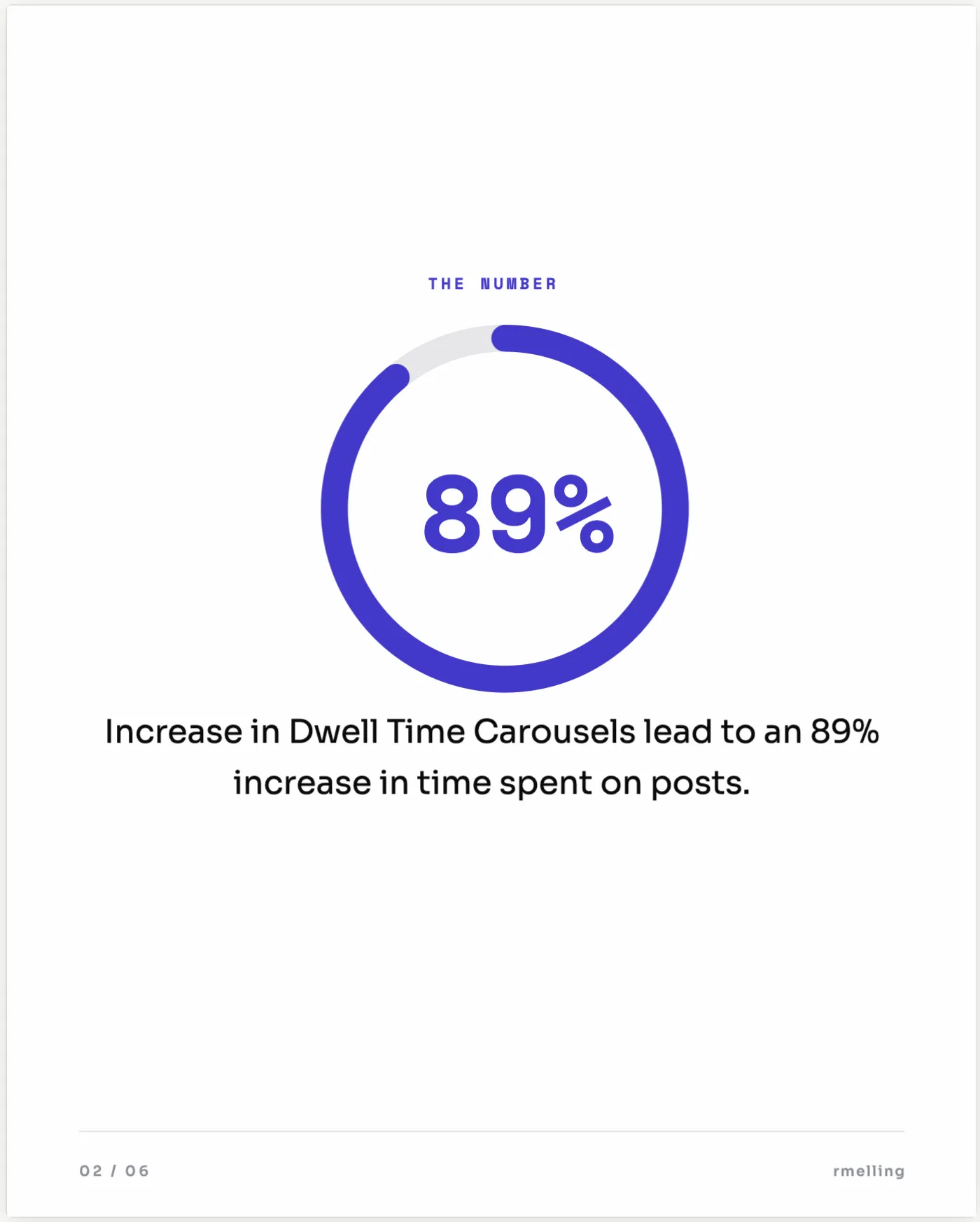
Stat Drop
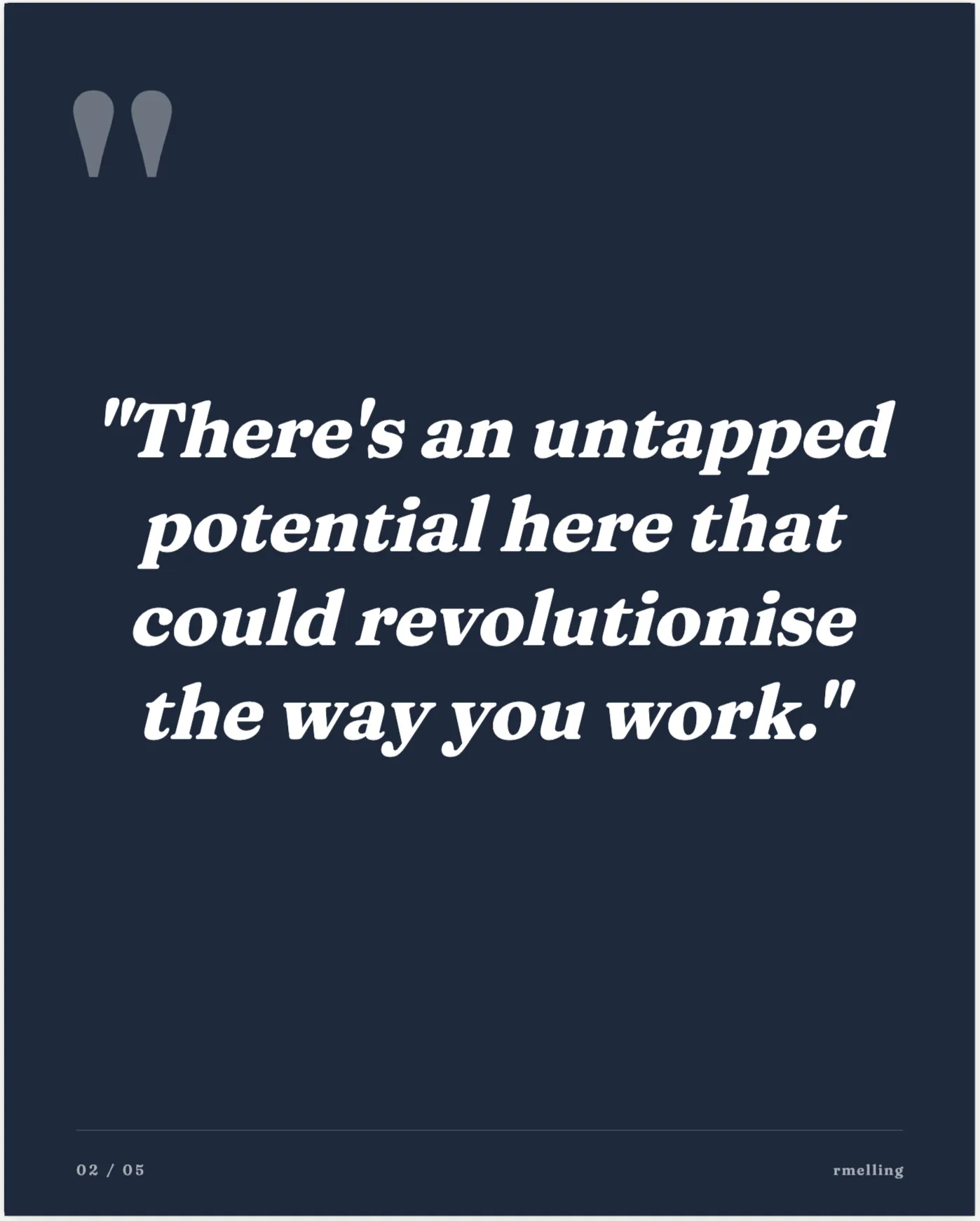
Quote Spotlight
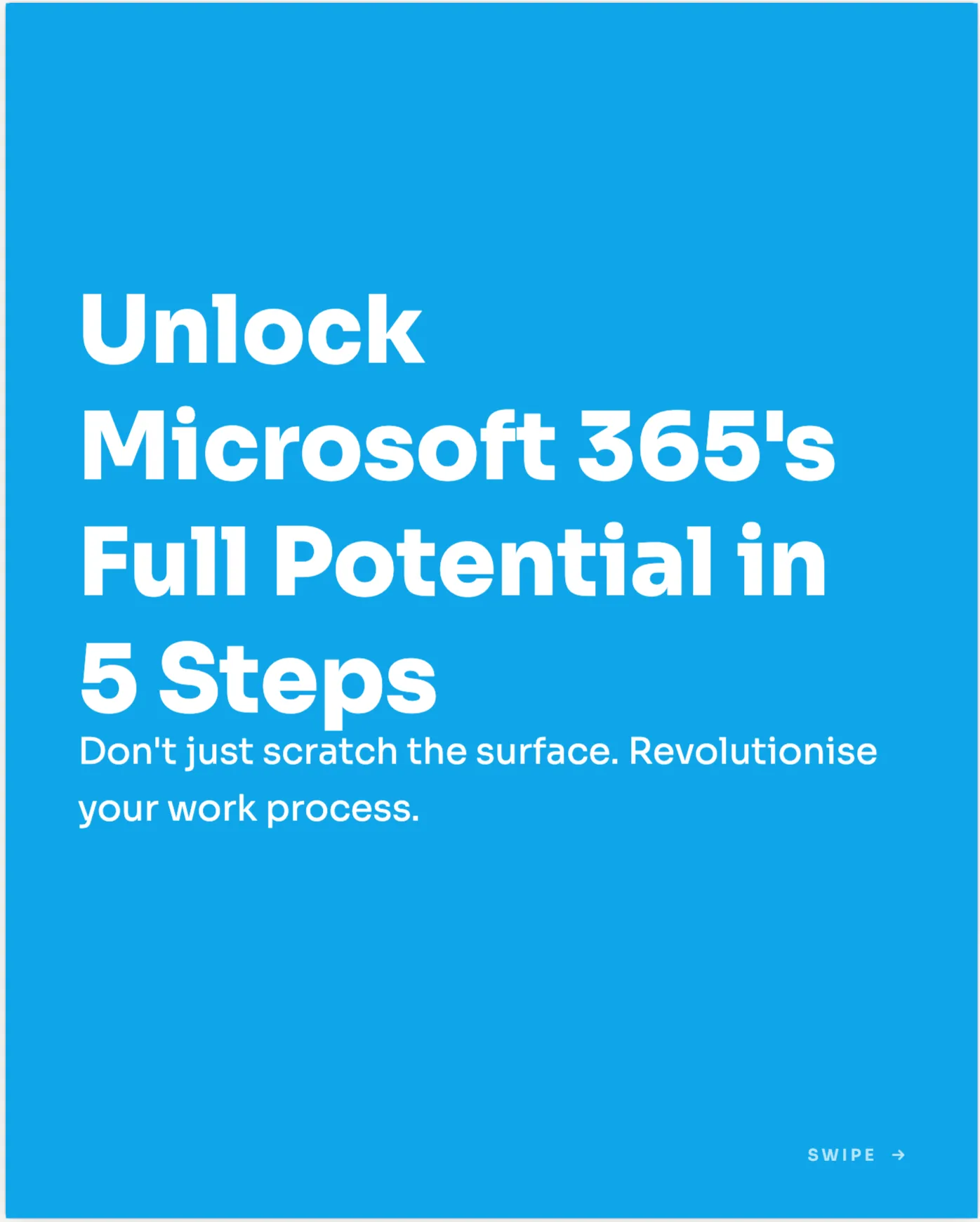
How-to Steps
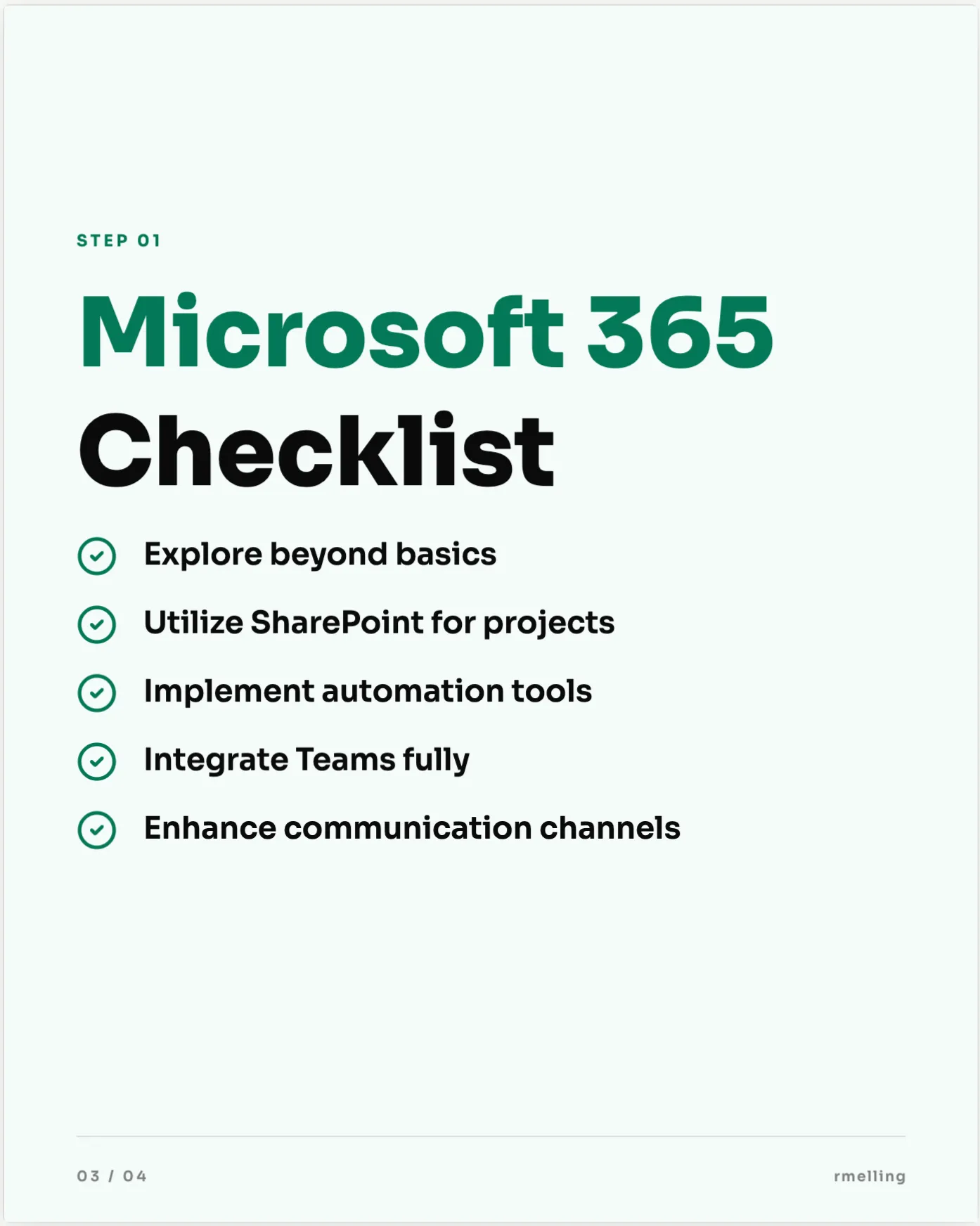
Checklist
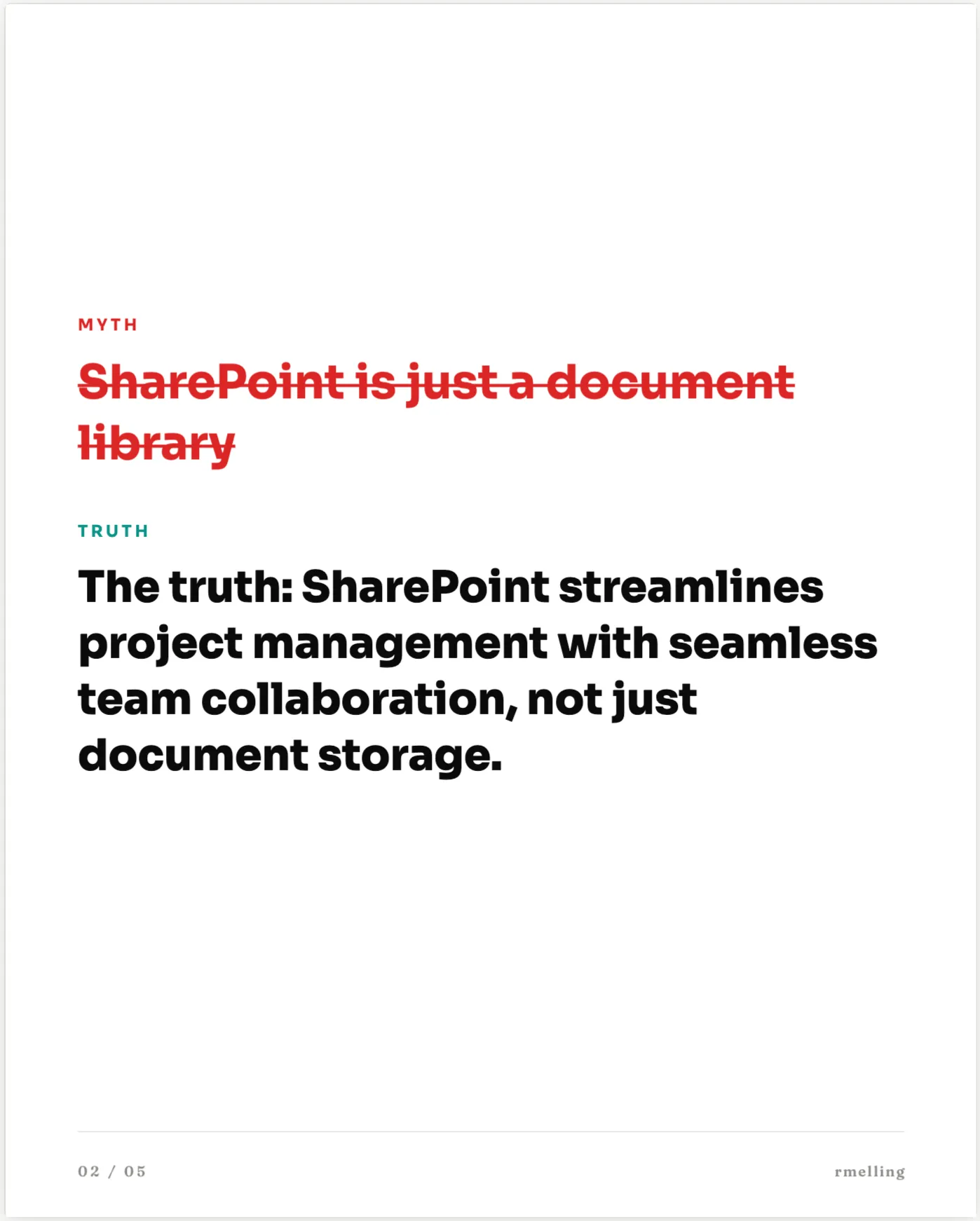
Myth vs Truth
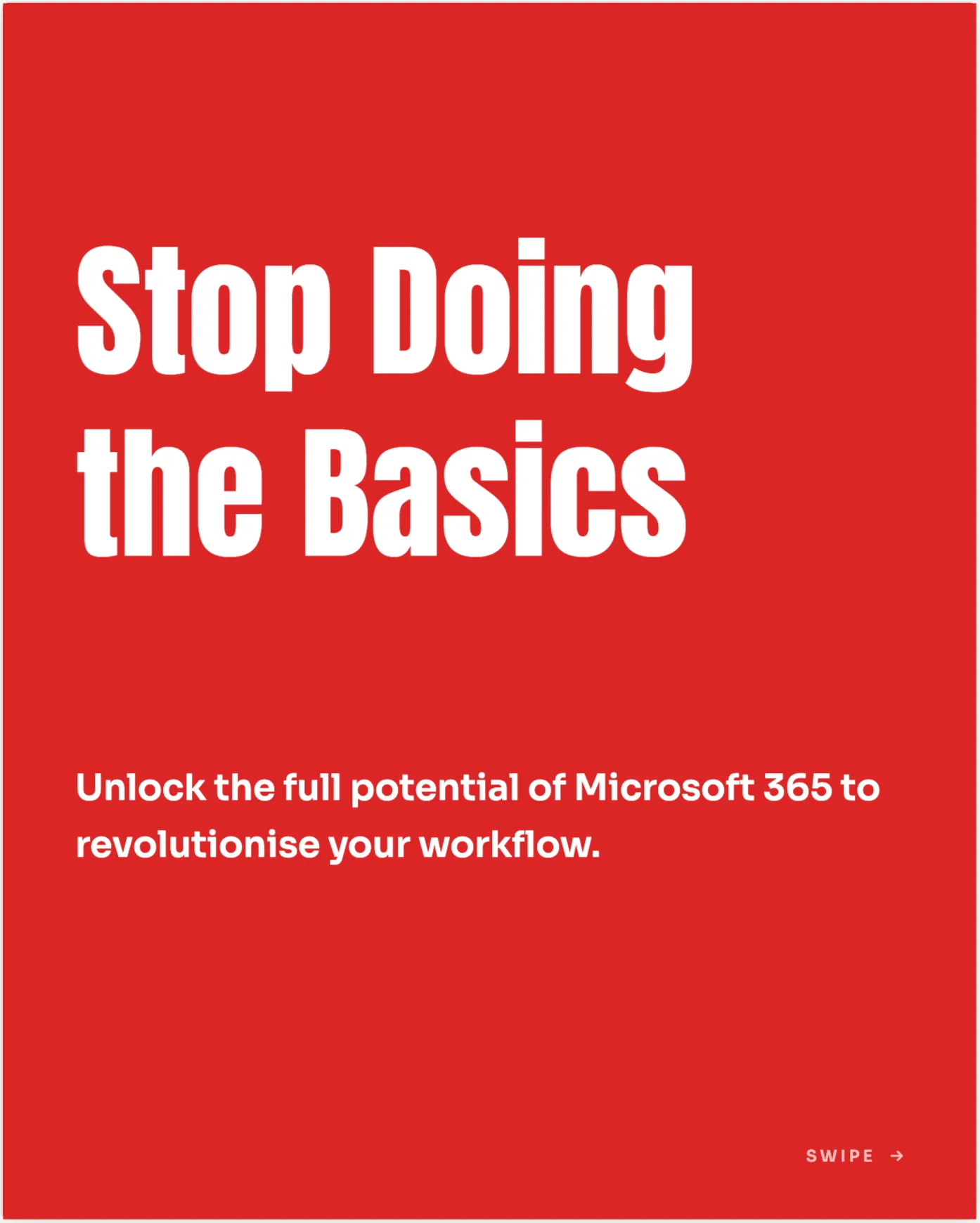
Mistakes to Avoid
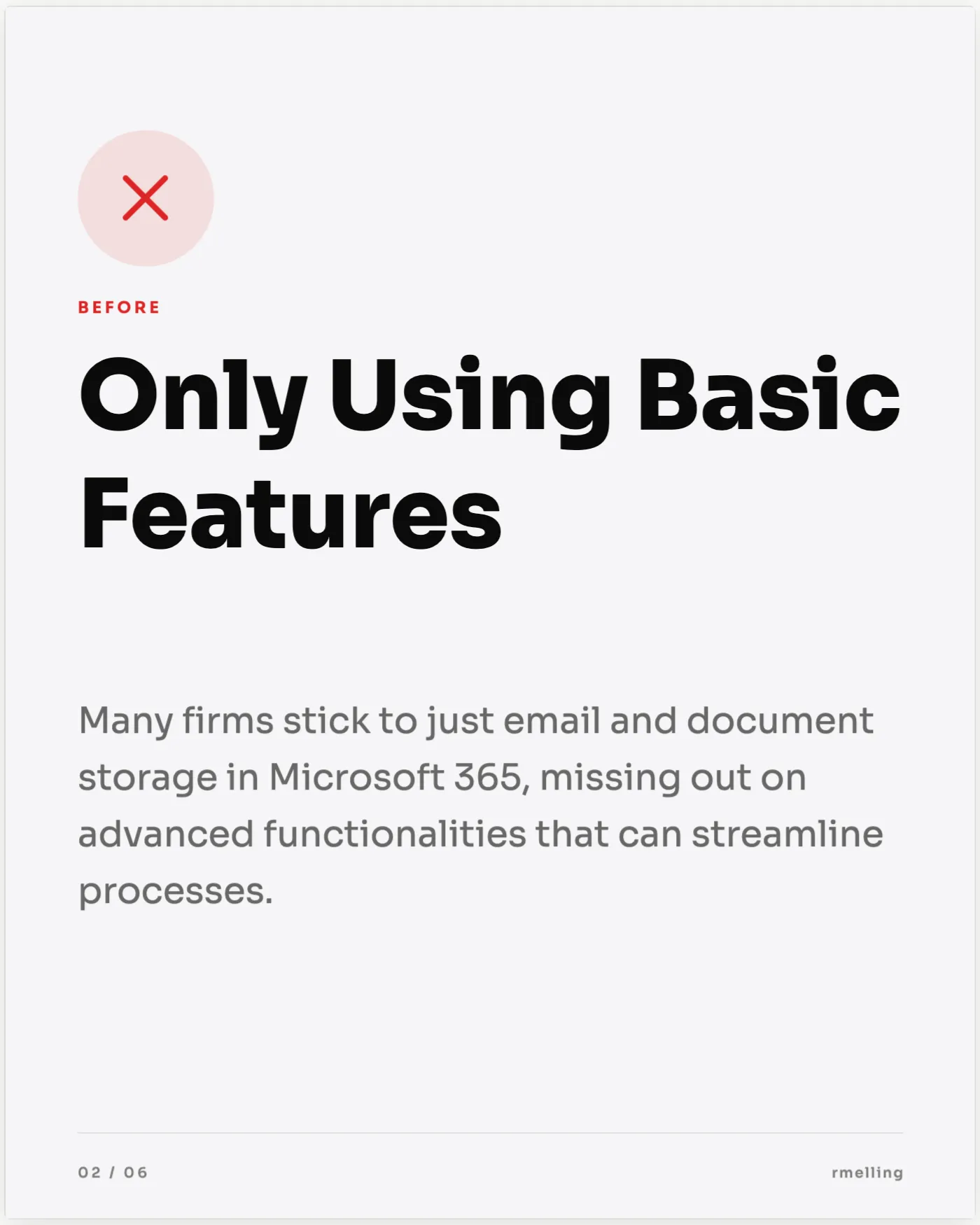
Before & After
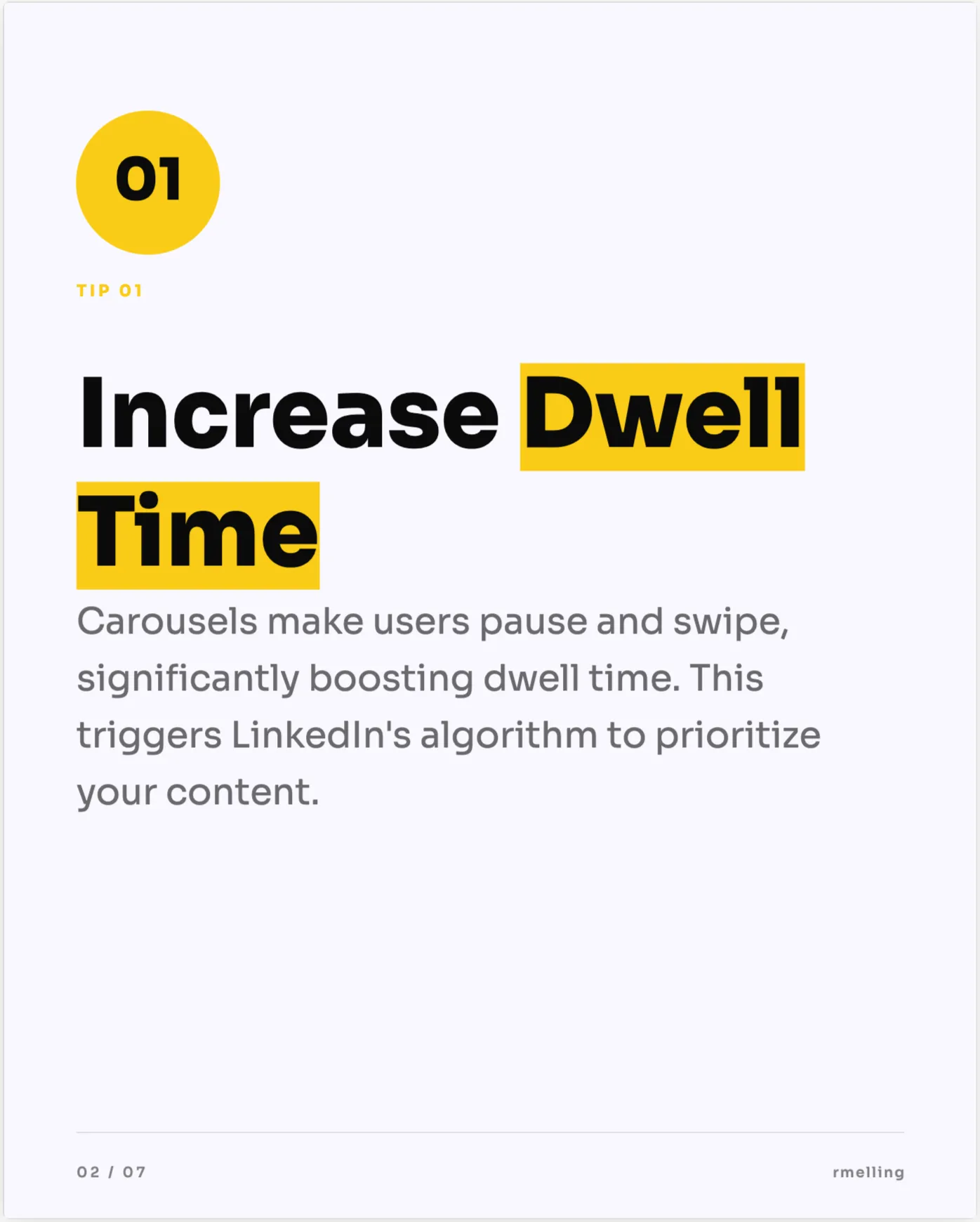
Bright Tips
Press Feature
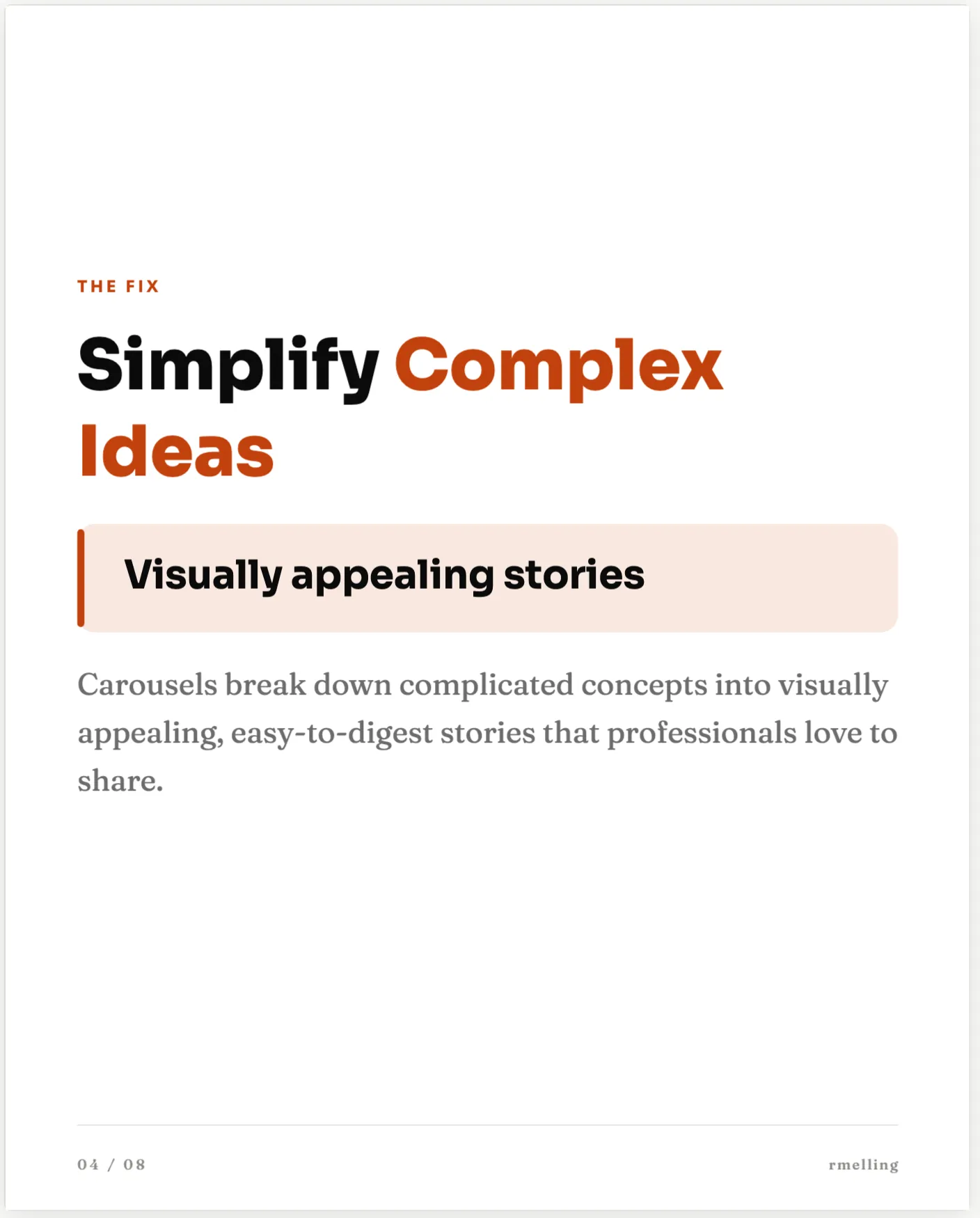
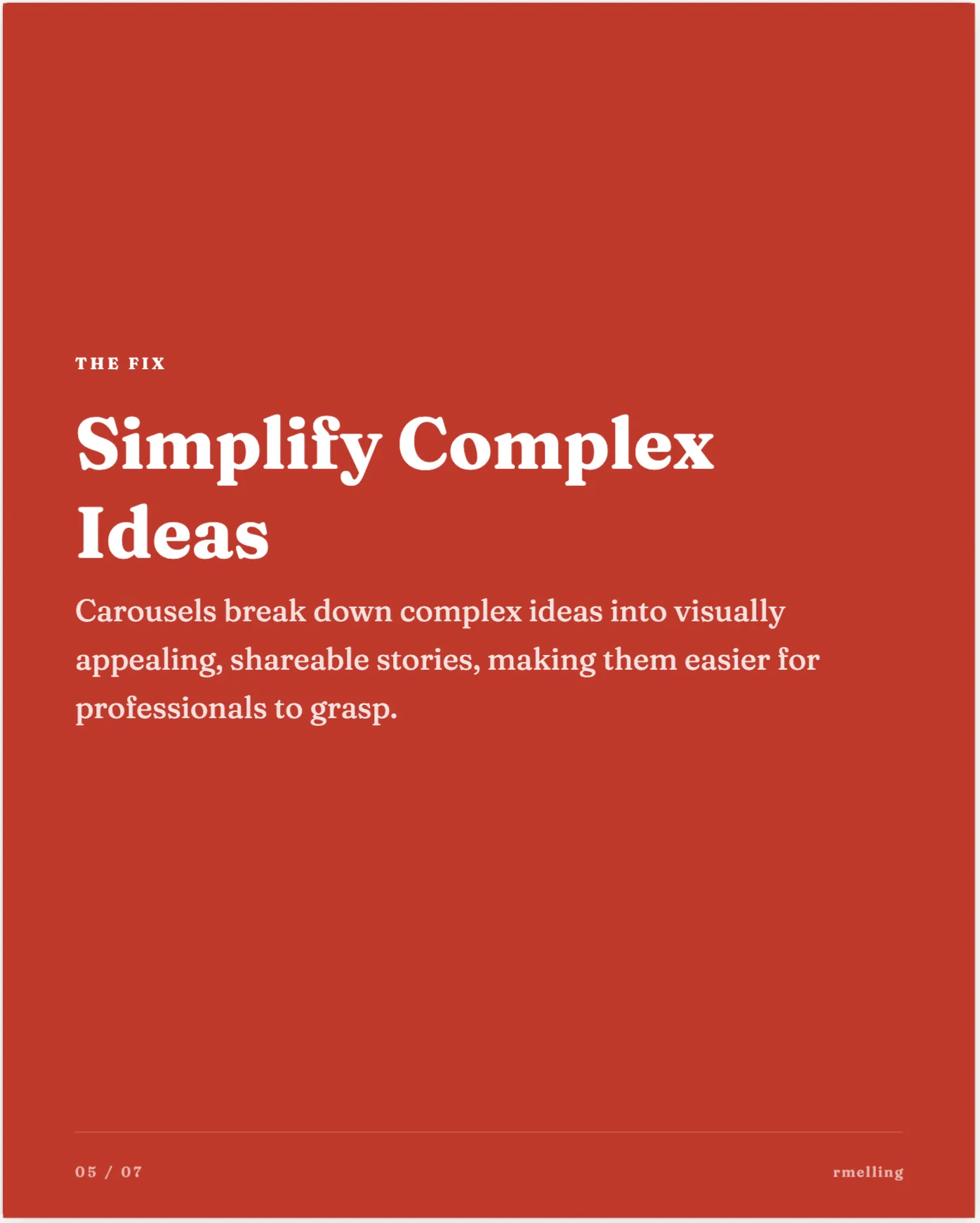
Editorial Essay
Picked for you automatically, or ask for the style you want by name.
Designing slides in another tool and exporting a PDF is an hour you do not have. This is the same job in a few minutes, without leaving the chat.
Open anything from your Idea Hub, or just say what you want to post about. The carousel comes from a real post, not from a blank template.
Say the word in the chat and it turns the post into slides, on your fonts, colours and logo. Ask for a different style or a different number of slides and it builds them again.
It goes out to your profile or company page as a real LinkedIn document, through the official API. No PDF export, no re-uploading by hand.
Prefer to build one by hand first? The guides on how to make a LinkedIn carousel and LinkedIn carousel ideas cover structure, design and posting natively.
Tell it your industry, connect LinkedIn when you are ready, and let it bring you the ideas.
No card needed. Cancel any time.
They show us how the site gets used and which ads brought you here.
Essential cookies stay either way. Nothing is ever sold on. What we collect