

Skip to content
Feature · Carousel Generator · Pro

Native LinkedIn carousels, built in.

Carousels are the most-saved format on LinkedIn, and the slowest to make by hand. WordPush's Canvas turns any Idea Hub topic into a designed, on-brand carousel and publishes it natively. No Canva, no PDF export, no second tool.

3-day trial. No card required.

app.wordpush.co.uk
A set of designed WordPush LinkedIn carousels
The differentiator

Not just words. Carousels too.

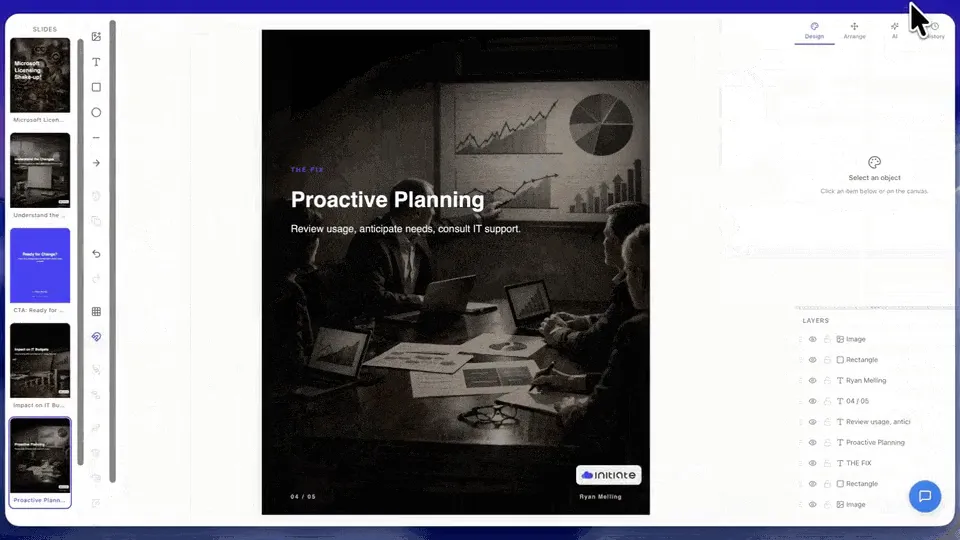
Most LinkedIn tools stop at text. WordPush goes further. The built-in Canvas editor turns any Idea Hub topic into a fully designed LinkedIn carousel in minutes, no PDF download faff, no separate design tool, no Figma export.

Canvas, LinkedIn carousel
  • Auto-generate from any idea

    Pick an Idea Hub topic. WordPush expands it into 5–10 slides instantly.

  • On-brand by default

    Your colours, your fonts, your logo, every slide, every time.

  • Drag-and-drop Canvas

    Fine-tune any slide. Move text, swap images, tighten copy.

  • Native LinkedIn publishing

    No PDF download faff. Publishes straight to LinkedIn as a native carousel, through the official LinkedIn API, not a browser plugin.

Carousels & Canvas are included on the Pro plan (£79/mo)

Every format, on brand

One generator. Every carousel style.

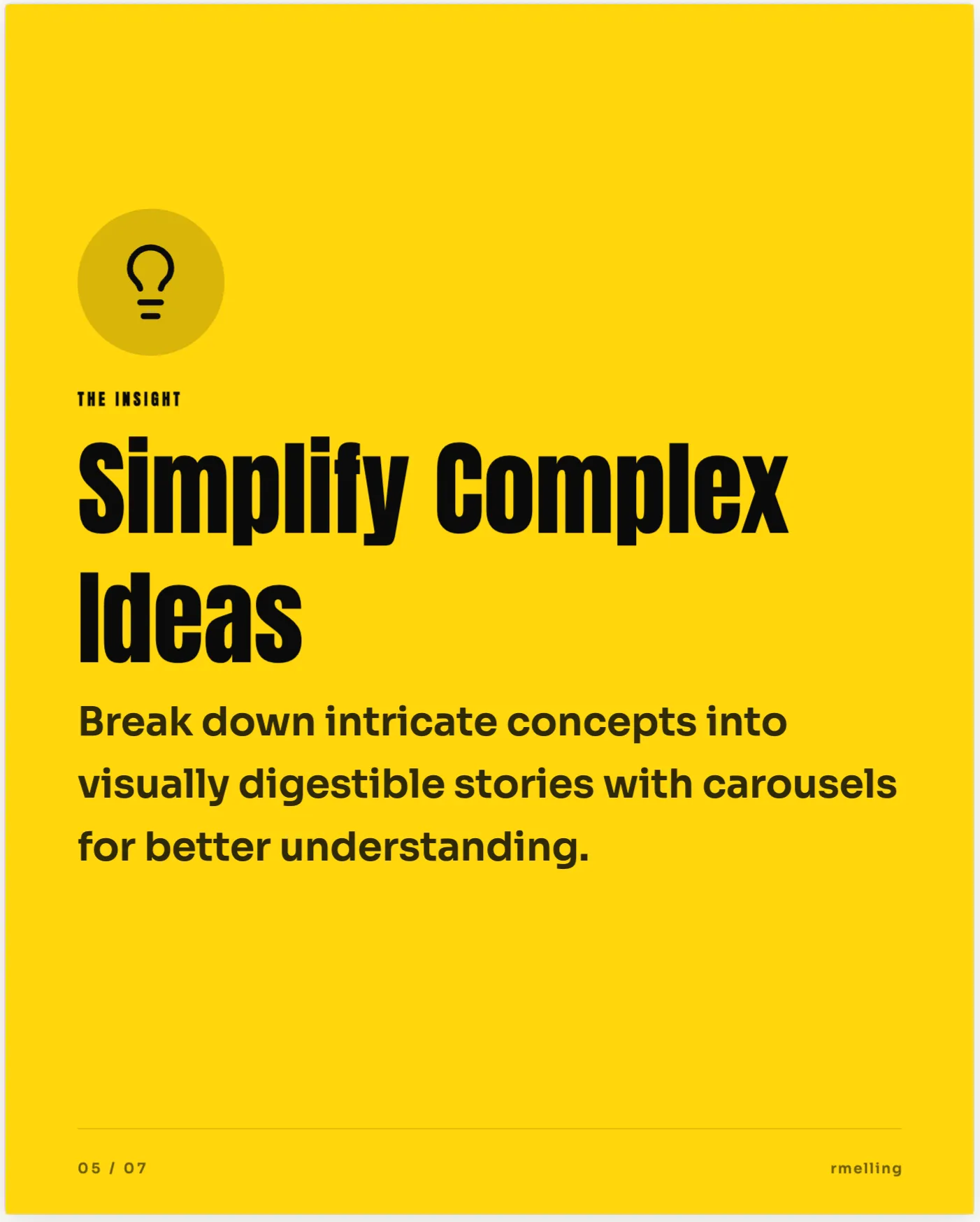
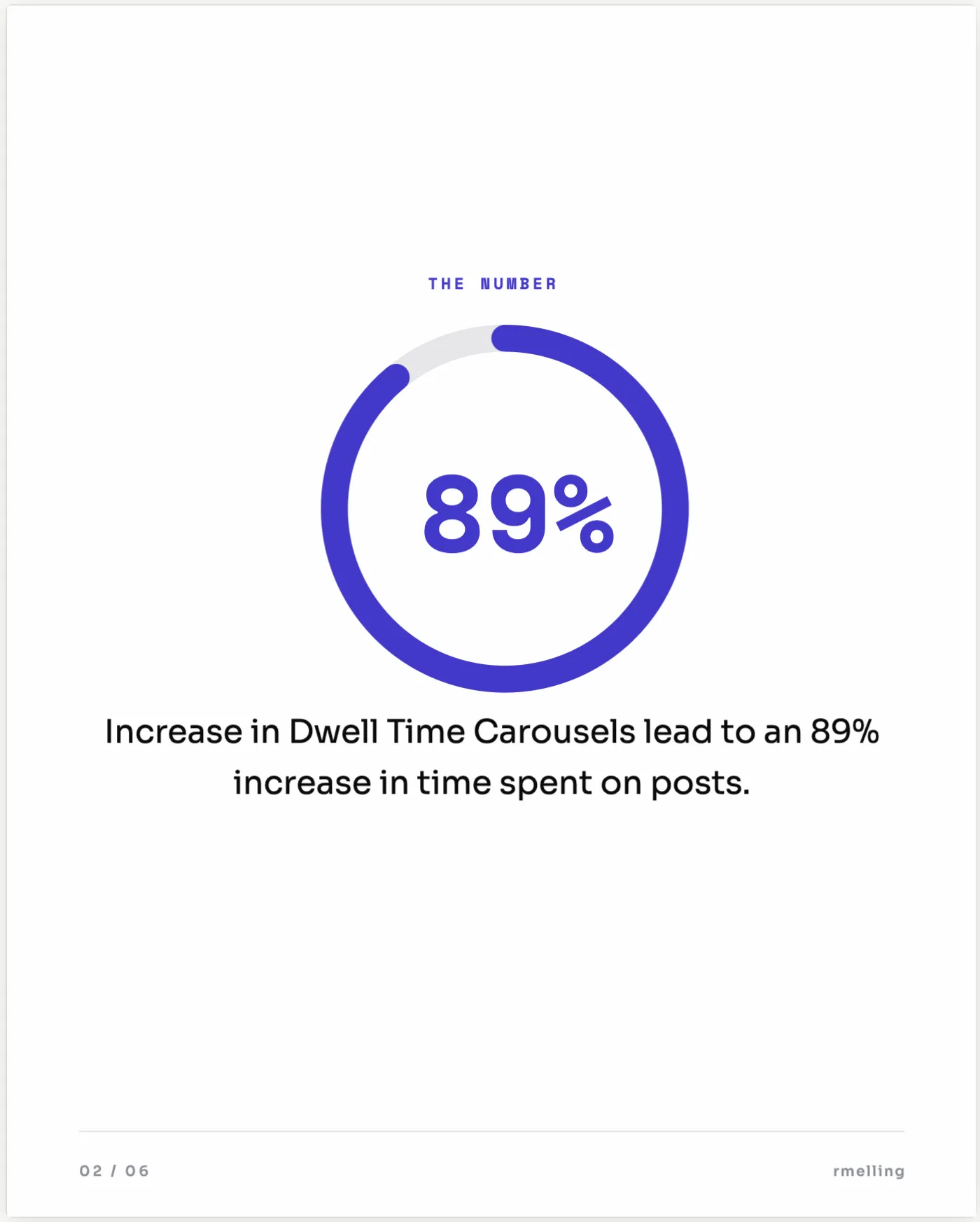
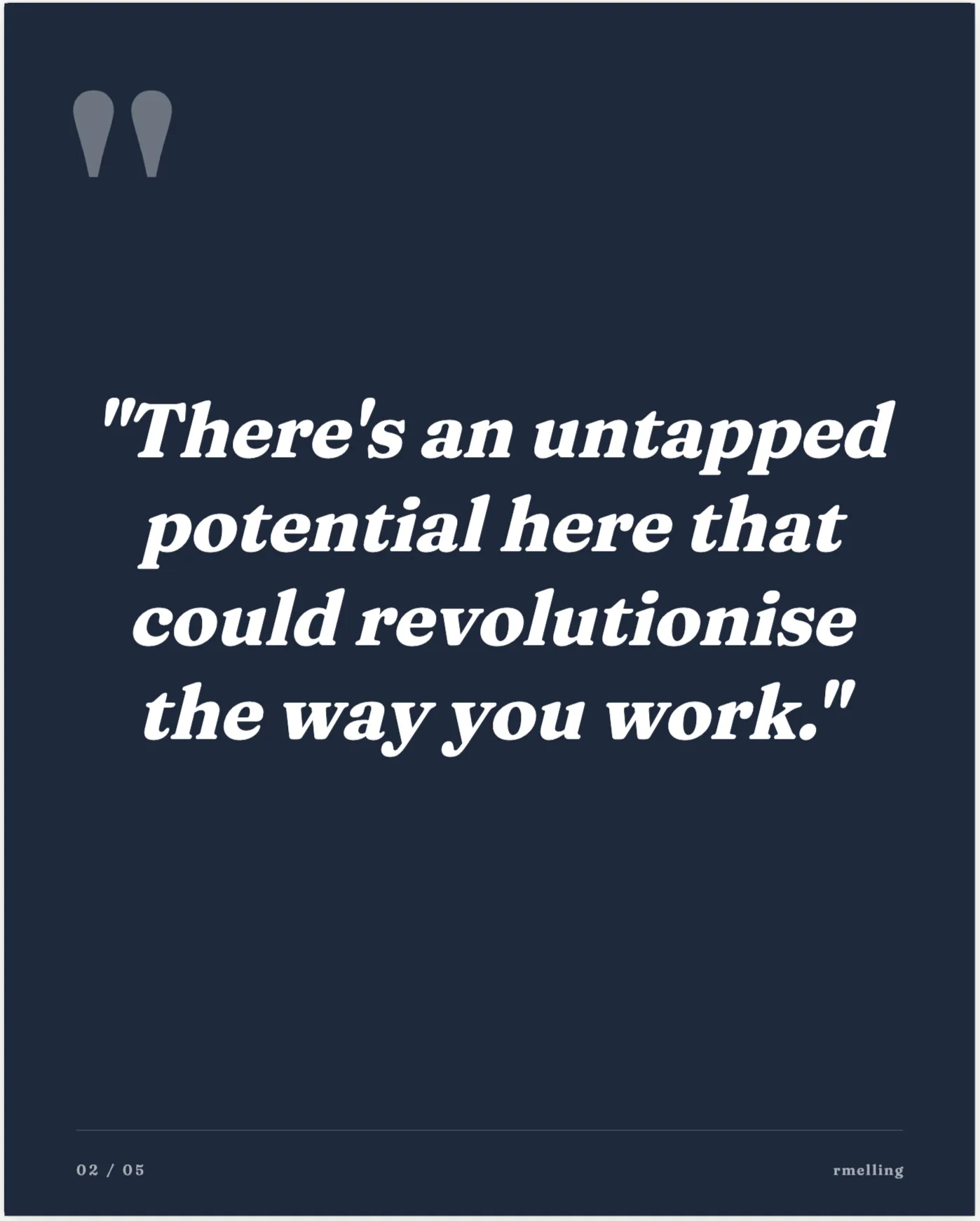
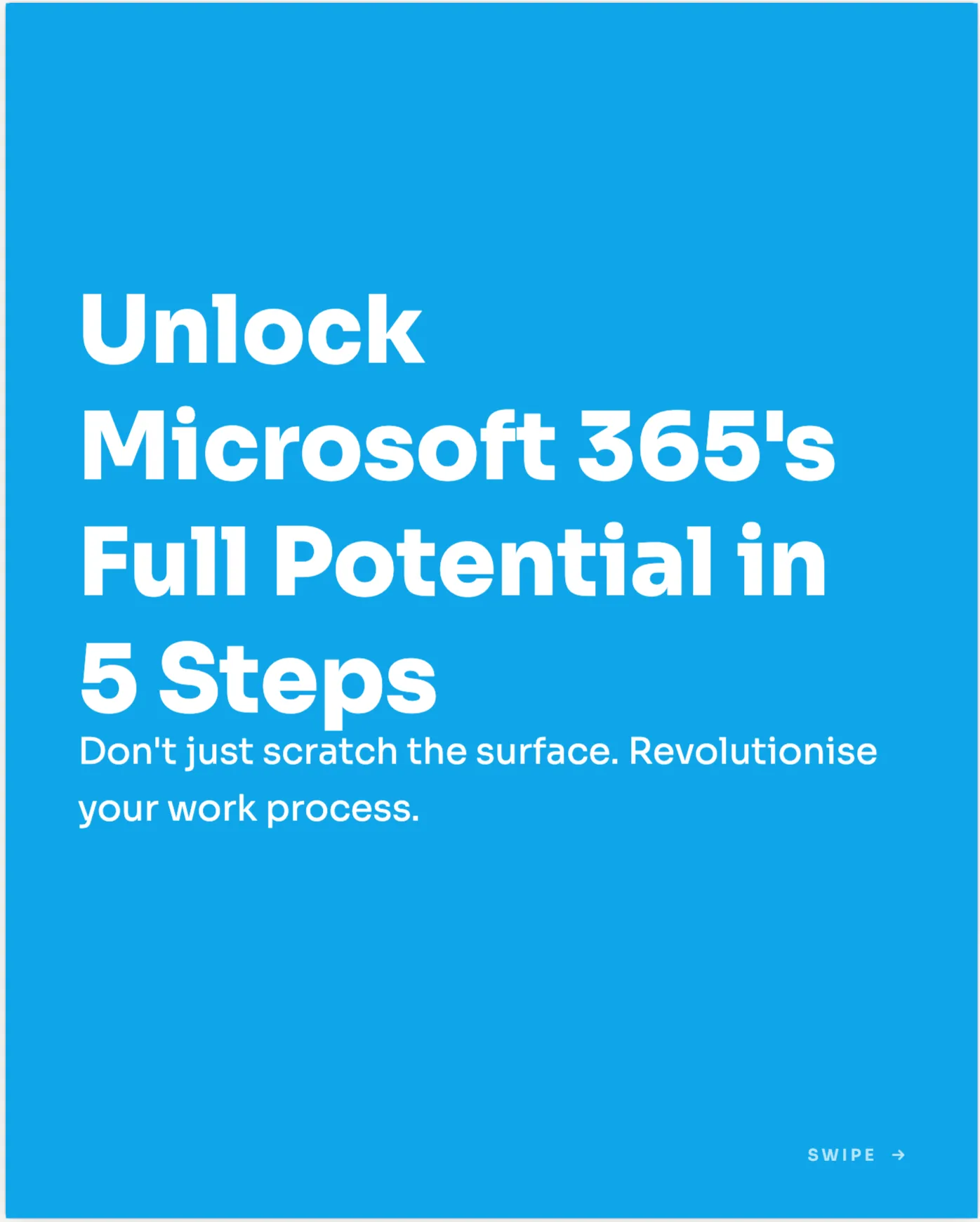
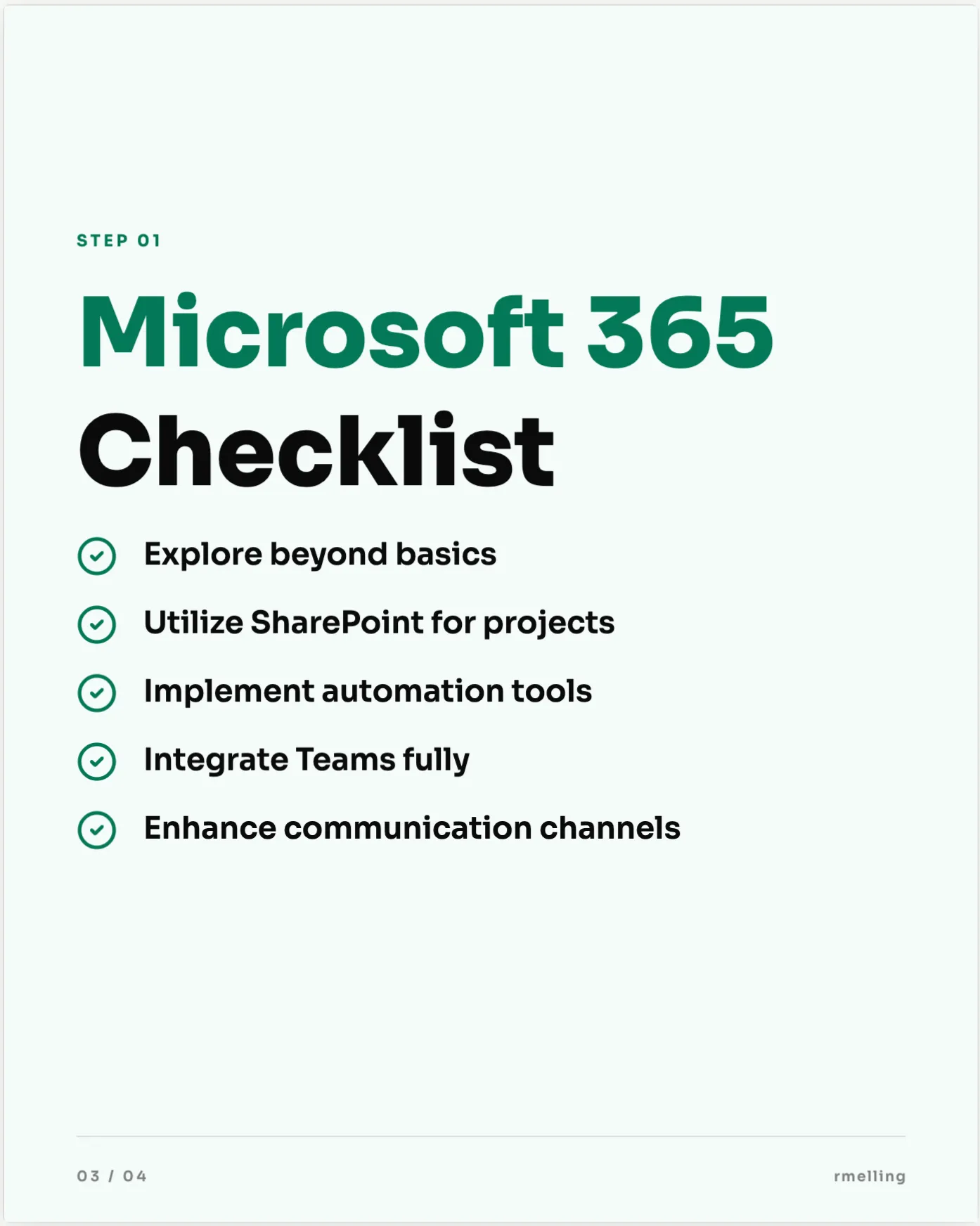
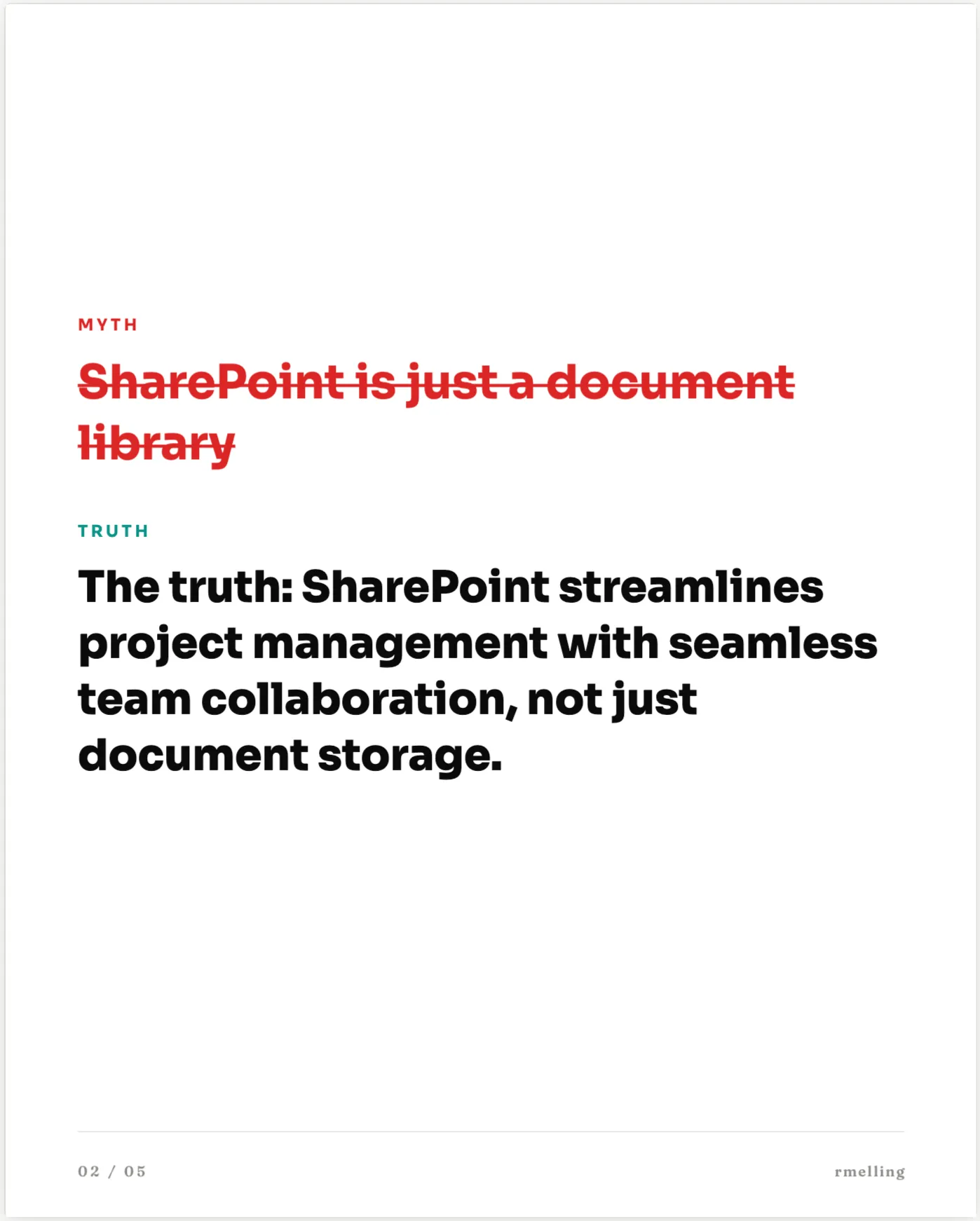
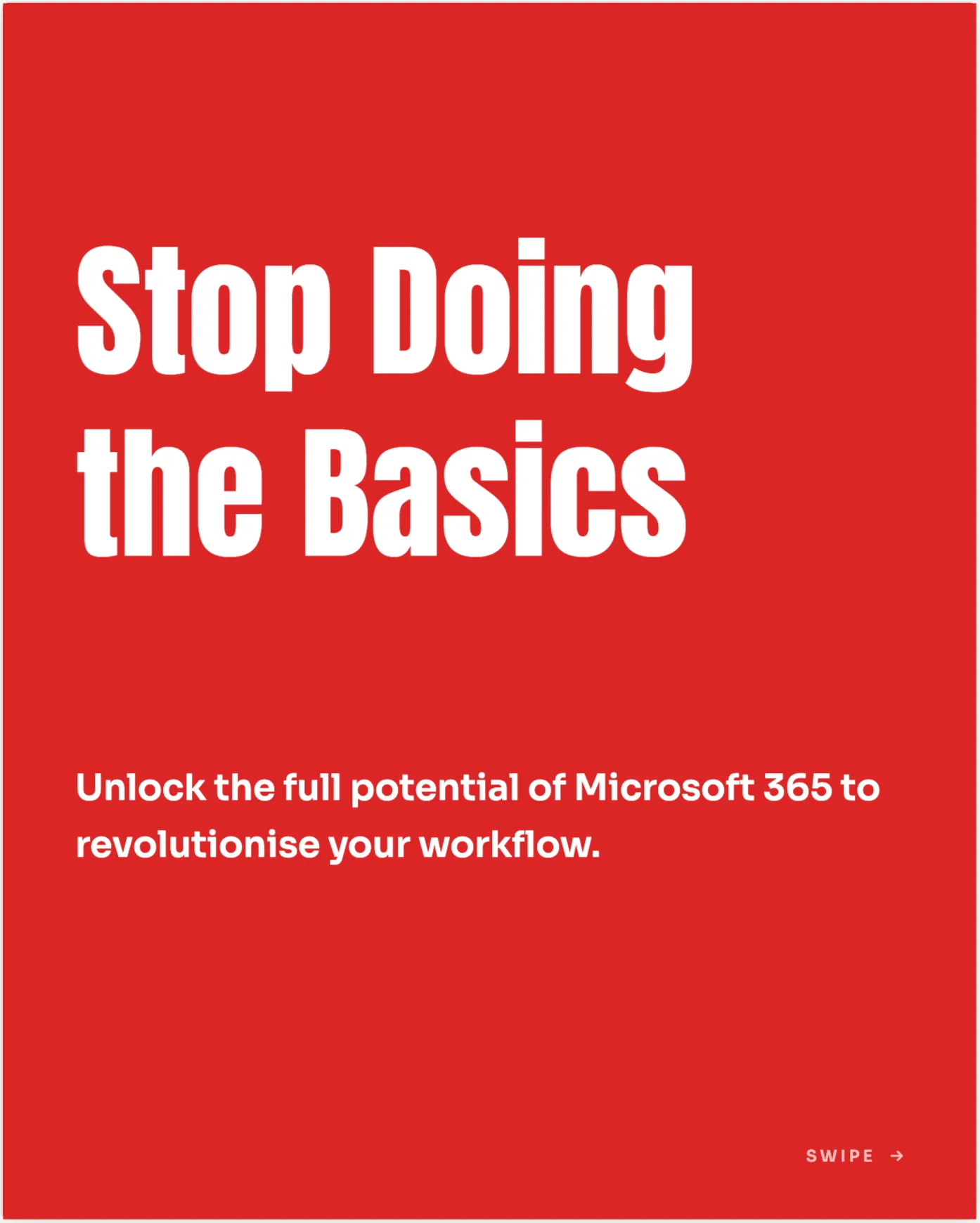
Bold statements, data drops, myth-busters, checklists, photo covers and more. WordPush matches the format to your idea and designs every slide in your brand, ready to post. Here are a few of the styles it builds.

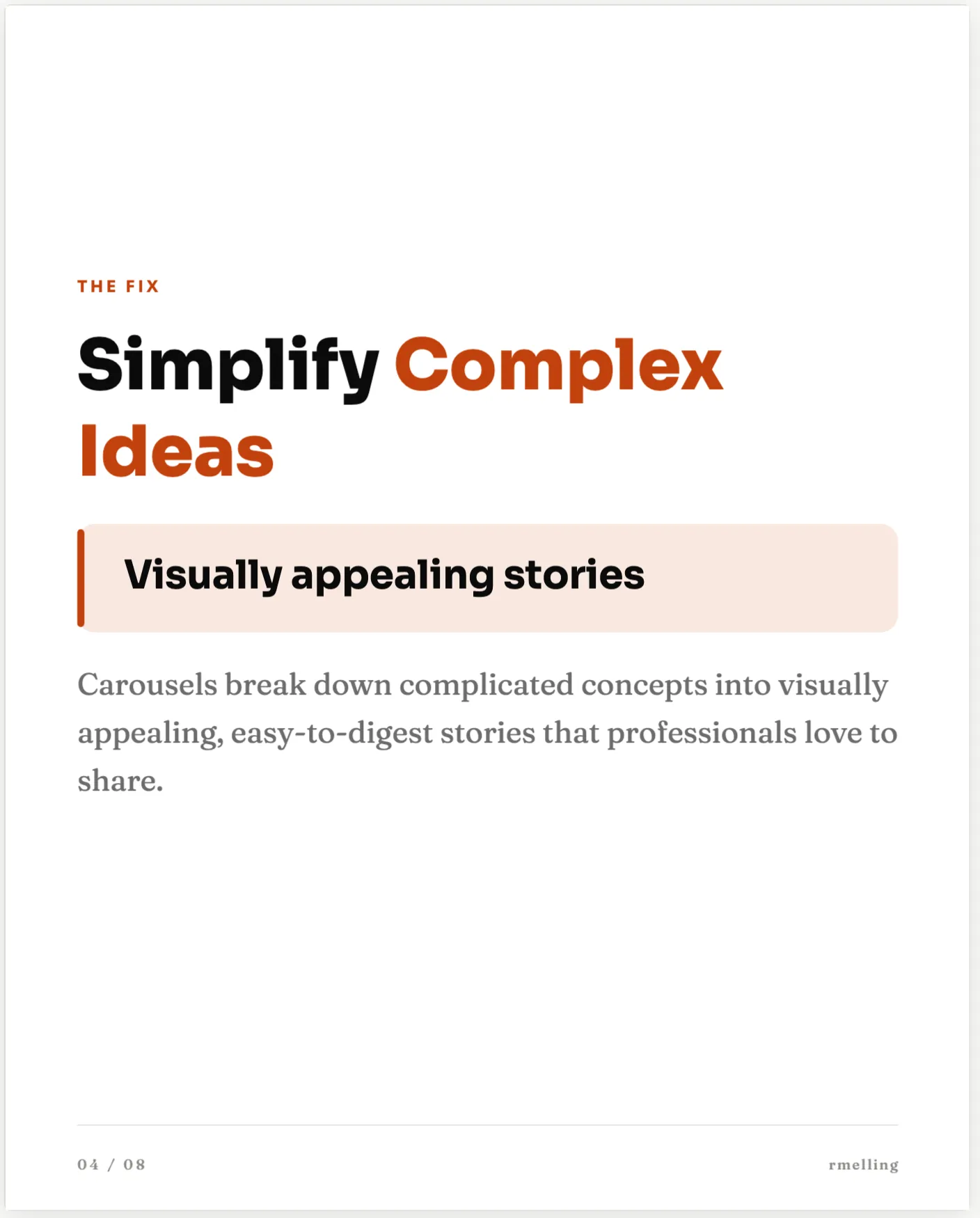
  • Bold Statement LinkedIn carousel slide designed by WordPush

    Bold Statement

  • Photo Cover LinkedIn carousel slide designed by WordPush

    Photo Cover

  • Stat Drop LinkedIn carousel slide designed by WordPush

    Stat Drop

  • Quote Spotlight LinkedIn carousel slide designed by WordPush

    Quote Spotlight

  • How-to Steps LinkedIn carousel slide designed by WordPush

    How-to Steps

  • Checklist LinkedIn carousel slide designed by WordPush

    Checklist

  • Myth vs Truth LinkedIn carousel slide designed by WordPush

    Myth vs Truth

  • Mistakes to Avoid LinkedIn carousel slide designed by WordPush

    Mistakes to Avoid

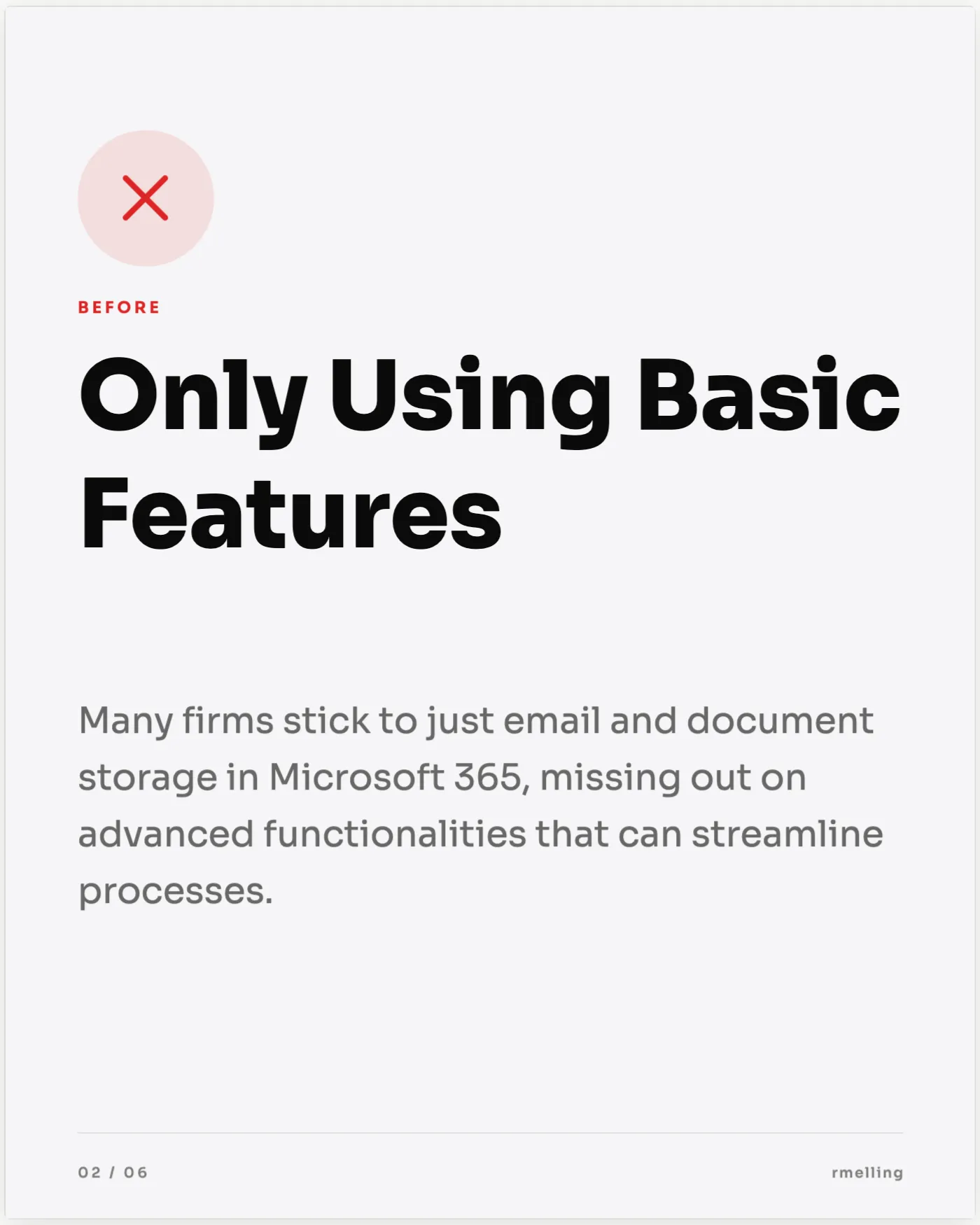
  • Before & After LinkedIn carousel slide designed by WordPush

    Before & After

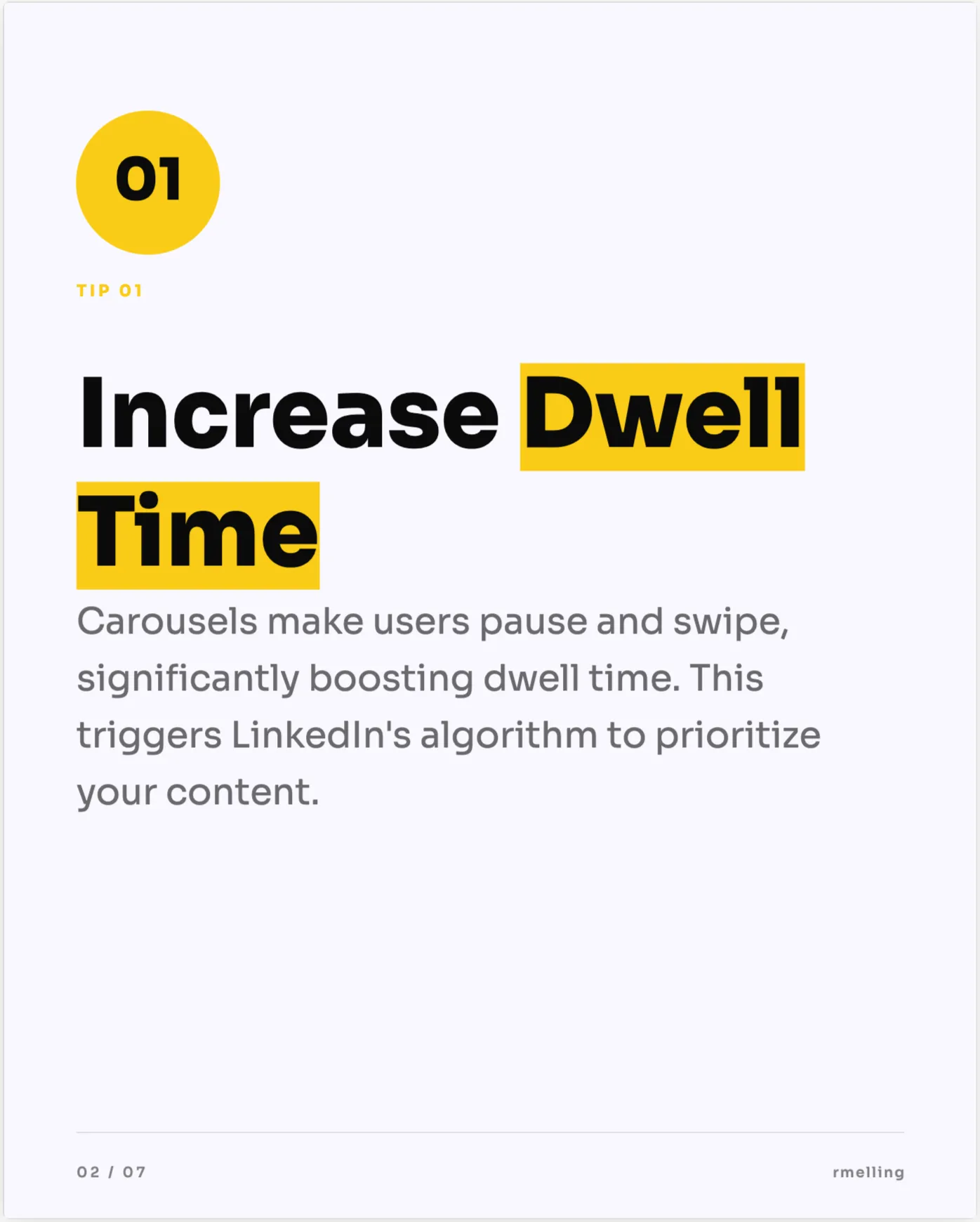
  • Bright Tips LinkedIn carousel slide designed by WordPush

    Bright Tips

  • Press Feature LinkedIn carousel slide designed by WordPush

    Press Feature

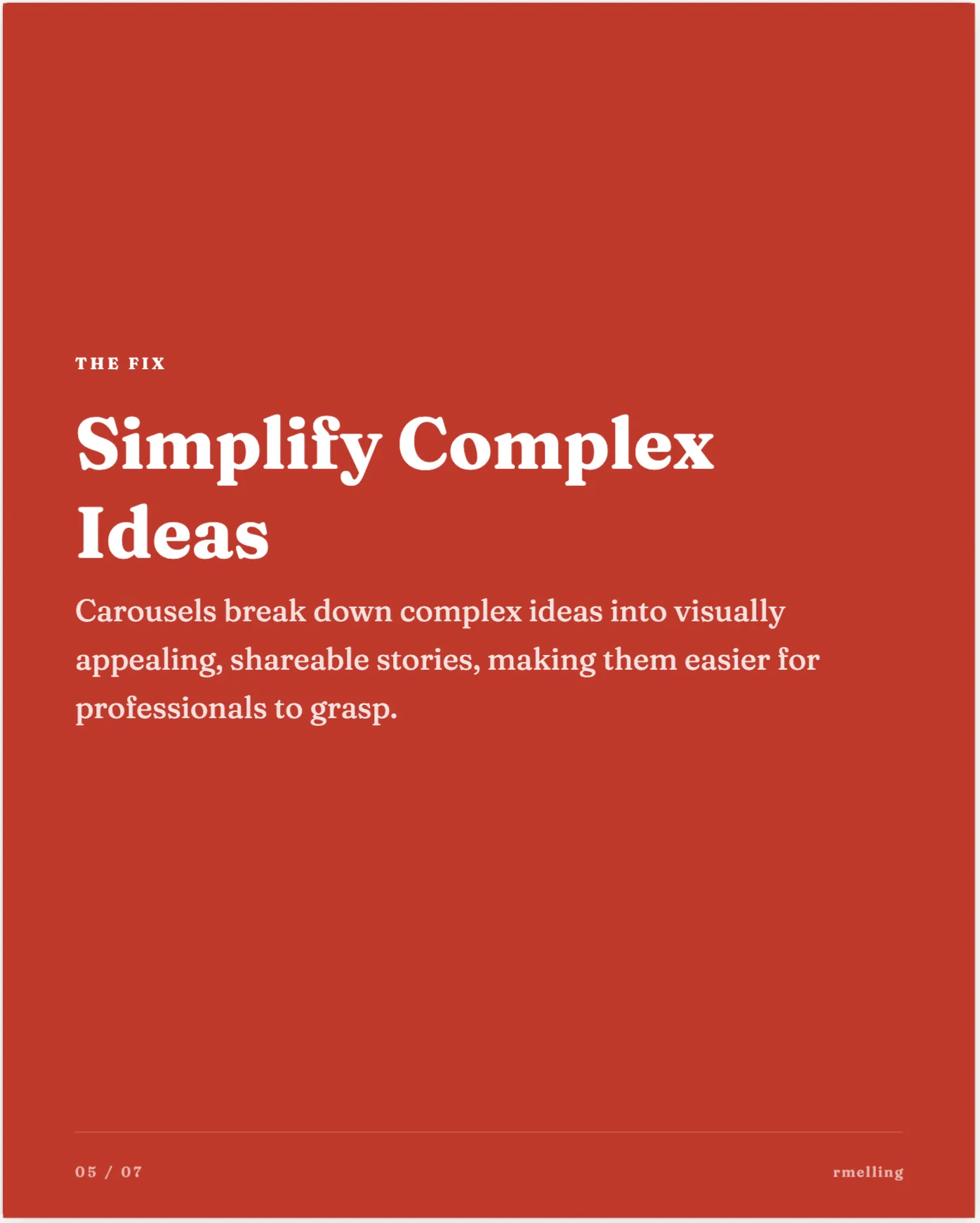
  • Editorial Essay LinkedIn carousel slide designed by WordPush

    Editorial Essay

Generated automatically on the Pro plan, or design your own by hand in Canvas on any plan.

From idea to posted

Three steps, not an afternoon.

Designing a carousel in Canva and exporting a PDF is an hour you don't have. WordPush collapses it into a few minutes.

01

Pick an idea

Choose any topic from your Idea Hub. No blank canvas: you start from something worth posting.

02

WordPush designs it

Canvas expands the idea into 5–10 on-brand slides (your colours, fonts and logo) with a hook slide, one point per slide and a closing CTA. Tweak anything with drag-and-drop.

03

Publish natively

Post it straight to LinkedIn as a native document carousel. Through the official LinkedIn API, no PDF export and no second tool.

Prefer to build one by hand first? Our guide on how to make a LinkedIn carousel walks through structure, design and posting natively.

Proof

What early users are saying.

“LinkedIn engagement noticeably up. Posts that used to take hours now take minutes, and the content actually sounds like us.”

K

Kate

Director, EMC Associates · UK FM & Catering Consultancy

Hours → mins

Time per post

Pick, format, post

Overnight

Ideas ready each morning

Sourced from your industry

Yours

Brand voice match

Trained on your past posts

Built for

  • Recruitment agencies
  • FM consultancies
  • Construction
  • Marketing agencies
  • B2B founders
  • Sales leaders
  • Independent consultants
  • Recruitment agencies
  • FM consultancies
  • Construction
  • Marketing agencies
  • B2B founders
  • Sales leaders
  • Independent consultants
Pricing

Two plans. No faff.

Both plans come with a 3-day free trial. No card required to start.

Personal

Everything you need to post on LinkedIn consistently.

£49 /month

  • LinkedIn personal posting
  • All Idea Hub feeds (For You, Trending, Viral, News, Competitors, Community, From Link, Saved)
  • Brand voice training on your past posts
  • AI text post generation
  • Canvas editor for hand-built carousels
  • 500 AI credits per month
  • Basic analytics
Sign up with LinkedIn
  • No card required
  • 3 days free
  • Cancel anytime
Most popular

Pro

Adds AI carousel and image generation, company pages and AI assistant access.

£79 /month

  • Everything in Personal
  • LinkedIn company page posting
  • AI carousel generation (any idea to a designed carousel)
  • AI image generation
  • Limited AI assistant (MCP) access
  • 2,000 AI credits per month
  • Full analytics
  • Invite a colleague to help manage your account
  • Priority support
Sign up with LinkedIn
  • No card required
  • 3 days free
  • Cancel anytime
FAQ

Quick answers.

  • What is a native LinkedIn carousel?
    A carousel is a multi-slide document post you swipe through in the LinkedIn feed. "Native" means it publishes as a proper LinkedIn document (the swipeable format that earns more dwell time), not as a set of images. WordPush builds and publishes it for you.
  • Do I need Canva or any design skill?
    No. The built-in Canvas editor designs each slide on-brand automatically. There is no separate Canva tab, no template hunting and no PDF export. You pick an idea and WordPush produces a finished, designed carousel you can tweak.
  • How many slides does it generate?
    Usually 5–10, which is the sweet spot for LinkedIn: enough to develop one idea with a slide each, few enough that people finish it. You can add, remove or reorder slides in the drag-and-drop editor.
  • Does it publish the carousel natively?
    Yes, straight to your LinkedIn profile or company page through the official LinkedIn API, as a native document carousel. No downloading a PDF and re-uploading it by hand.
  • Which plan includes the Carousel Generator?
    AI carousel generation is on the Pro plan (£79/mo). The Canvas editor for hand-building carousels is on every plan, so Personal (£49/mo) users can design a carousel by hand and Pro adds one-click generation from any idea, plus AI image generation. Every plan has a 3-day free trial, no card required to start.

Start tomorrow. Wake up sorted.

WordPush takes 5 minutes to set up. By tomorrow morning you'll have a week's worth of LinkedIn ideas waiting and your first post drafted in your voice.

Sign up with LinkedIn
  • No card required
  • 3 days free
  • Cancel anytime
  • GDPR compliant
  • UK data storage